 Creator Gear
 Elgato Stream Deck MK.2 — 15 LCD Keys, 100+ Integrations, Streaming Control Panel
As an Amazon Associate I earn from qualifying purchases. Prices and availability are shown on Amazon and can change at any time.
We may earn a commission if you buy through this link, at no extra cost to you. Read the disclosure.
Why buy from Amazon?
- Secure, trusted checkout
- Genuine products from the seller
- Amazon's own delivery network
- Their returns and refunds policy
Checkout, delivery and returns are handled entirely by Amazon — we do not process orders. Use the button above for the current price.
Product overview
Heads up: this article contains affiliate links. If you buy through one we may earn a small commission, at no extra cost to you. It does not change what we recommend — see our affiliate disclosure.
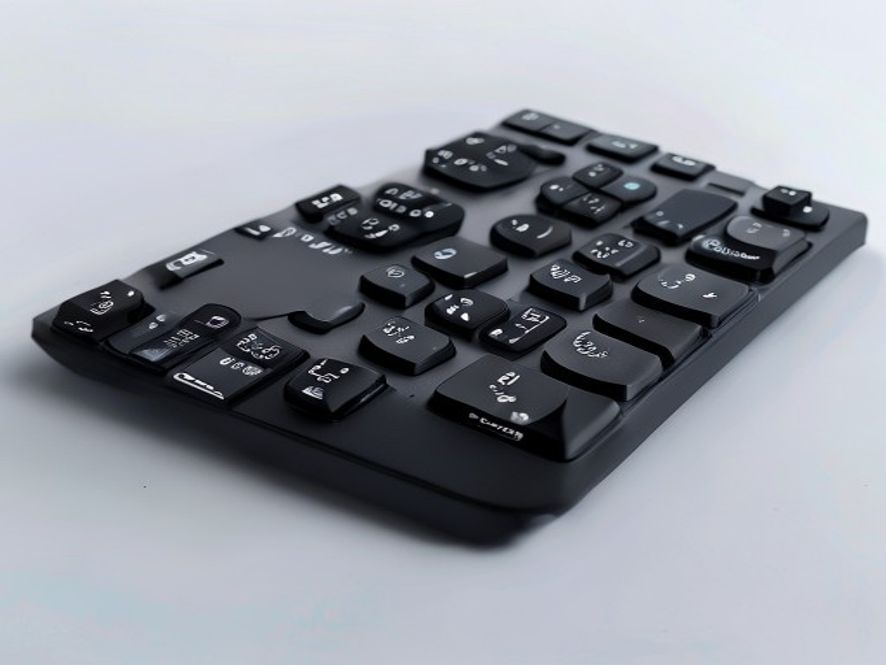
If you stream, podcast, produce videos, or spend a lot of time at a desk working with multiple apps, the Elgato Stream Deck MK.2 will make you wonder how you ever managed without it. It’s a 15-key customizable control panel — each key has a tiny LCD screen that shows exactly what it does. One tap switches scenes in OBS, launches apps, toggles your mic mute, fires off a tweet, or activates any macro you can imagine.
This isn’t just a streamer’s tool anymore. Remote workers use it to switch between Zoom, Slack, and focus apps instantly. Editors use it to trigger DaVinci Resolve shortcuts. Designers bind Photoshop actions to it. Once you build your layout, the productivity gains are real and immediate — it removes friction from every workflow you have.
Why the MK.2 Is Still the Sweet Spot
The MK.2 added a detachable USB-C faceplate, customizable bezels, and the updated Elgato 4.0 software with Marketplace plugins. It hits a sweet spot between the compact Stream Deck Mini (6 keys — too few for most workflows) and the Stream Deck XL (32 keys — overkill for most). At 15 keys with 3×5 grid layout, you have enough to map your most important shortcuts while keeping the desk footprint manageable.
Pros & Cons
✅ Why Creators Love It
- 15 fully customizable LCD keys
- 100+ app integrations out of the box
- Animated key icons look great on stream
- Auto-profile switching per application
- Detachable USB-C cable for clean desk setup
- Massive plugin library from Marketplace
❌ Limitations
- No touchscreen or dial (get Stream Deck + for those)
- Software required — no standalone mode
- Takes time to fully set up and customize
- No mobile/tablet support
Which Stream Deck Should You Get?
Upgrade your workflow with one button press
The Elgato Stream Deck MK.2 is the creator’s most-loved desk accessory. Check the latest price on Amazon.
Read the full review: Elgato Stream Deck MK.2 Review: Not Really for Streamers — the detailed write-up, including what this product does badly.
Affiliate Disclosure: This page contains affiliate links. If you purchase through our links, we may earn a small commission at no extra cost to you. We only recommend products we genuinely believe in.