Ergotron LX Review: Check the Minimum Weight First
The least exciting desk purchase you can make, and one of the few that changes how your neck feels at 6pm.

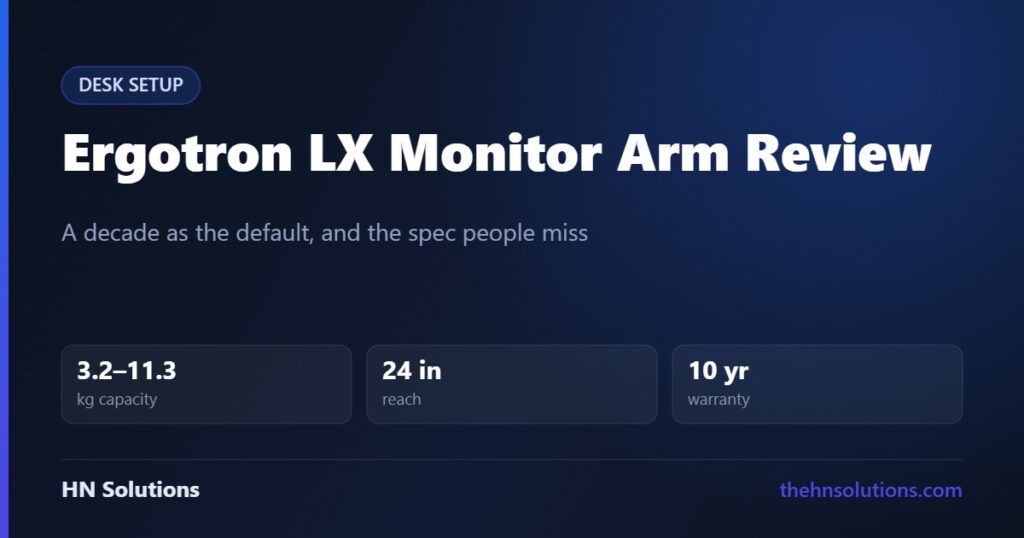
A monitor arm is the least exciting desk purchase you can make and one of the few that changes how you feel at the end of a working day. The stand your monitor came with was designed to be cheap to ship, not to put the screen where your neck wants it.
The Ergotron LX has been the default recommendation for over a decade, which in an accessories market is unusual enough to be worth examining. This is a research-based buying guide, not a hands-on test. Read our review standards.
The short answer
Buy it if your monitor weighs between roughly 3 and 11 kg and you want an arm you will never think about again. The constant-force spring mechanism is the reason it has outlasted a decade of competitors, and the ten-year warranty tells you what Ergotron expects of it.
Check the weight range before anything else. The minimum matters as much as the maximum — a monitor lighter than about 3.2 kg will drift upward because the spring cannot be tensioned low enough.
The specification that decides everything
| Specification | Ergotron LX |
|---|---|
| Weight capacity | 3.2 to 11.3 kg (7 to 25 lb) |
| VESA patterns | 75 × 75 mm and 100 × 100 mm |
| Maximum screen size | Up to 34 inches, flat, curved or ultrawide |
| Horizontal reach | Up to 24 in (approx. 61 cm) |
| Height adjustment | 13 in (approx. 33 cm) |
| Tilt | −5° to 70° |
| Pan and rotation | 360° |
| Mechanism | Constant Force spring |
| Warranty | 10 years |
| Optional extension | Adds approx. 23 cm of reach |
What “constant force” actually means
Cheap arms use a gas cylinder or a simple coil spring. Both push hardest at one end of their travel, so the screen feels heavy to lift and then runs away from you, and both lose tension over a few years until the monitor sags.
Ergotron’s Constant Force mechanism is engineered to apply even lifting force across the full range of travel. In use that means the screen moves with one hand and stays exactly where you left it, at the top of its range as readily as the bottom.
This is the whole reason the LX remains the benchmark. It is not a feature you notice on day one — it is the reason people who bought one in 2015 still have it working.
Reach, and why 24 inches is more than you think
Twenty-four inches of horizontal extension sounds like a number for enormous desks. It is actually about recovering desk space: with the arm clamped at the back edge and the monitor pulled forward only as far as you need, the entire area a stand would have occupied becomes usable.
If your desk is unusually deep, or the arm has to clear a wall or a shelf, the optional extension adds roughly 23 cm. Most people do not need it.
What it will not do
Three honest limits.
Very heavy monitors. Above 11.3 kg you need the LX’s heavy-duty siblings. Large 4K panels and some 34-inch ultrawides exceed the limit once the VESA plate and any built-in speakers are counted.
Monitors without VESA mounts. A number of consumer displays, particularly thin all-in-one designs, have no VESA pattern at all. Adapter plates exist and are a compromise; check the back of your monitor before ordering anything.
Thin or glass desks. The included C-clamp needs a sturdy edge. A grommet mount is supplied as an alternative but requires a hole through the desktop. Neither suits a thin glass surface.
Strengths and compromises
What it does well
- Constant-force spring holds position for years, not months
- Ten-year warranty that Ergotron honours
- Full 360° rotation for portrait orientation
- Reclaims the whole footprint a stand would use
- Both 75 and 100 mm VESA patterns supported
- C-clamp and grommet mounting both included
- Widely available spare parts
What to think about first
- Minimum weight of 3.2 kg rules out light panels
- Maximum of 11.3 kg rules out large heavy ones
- More expensive than generic gas-spring arms
- Needs a desk edge or a grommet hole
- Initial tensioning takes patience and the supplied hex key
- No integrated cable channel on the base model
Setting the tension, which is where people go wrong
Almost every complaint about a monitor arm drifting comes down to tension that was never set properly. The procedure is the same on every constant-force arm: mount the monitor, then adjust the tension screw until the screen holds at the mid-point of its travel without rising or falling.
It takes longer than you expect and needs more turns than feels reasonable. Do it once, properly, and the arm behaves for a decade. Rush it and you will spend years nudging your monitor back down.
Who should buy it
Good fit
- Your monitor sits too low and your neck knows it
- You want the desk space a stand occupies
- You rotate to portrait for code or documents
- You expect to keep it across several monitors
Look elsewhere
- Your monitor is under 3.2 kg or over 11.3 kg
- There is no VESA pattern on the back
- Your desk is glass or thinner than the clamp allows
- Your existing stand already adjusts for height and tilt
What we could not assess
We have not mounted one, measured drift over time, or tested the clamp against desk thicknesses. The specifications above are Ergotron’s published figures. The durability reputation is drawn from the arm’s decade-long position as the default recommendation and from the length of warranty the manufacturer is prepared to offer, which is a meaningful signal but not a measurement.
Frequently asked questions
Will the Ergotron LX hold my monitor?
If it weighs between 3.2 and 11.3 kg without its stand, yes. Weigh it with the stand removed — boxed weight and VESA-mounted weight are different numbers, and the minimum matters as much as the maximum.
Why does my monitor arm drift upward?
Almost always because the spring tension is set too high for the load, or the monitor is below the arm’s minimum weight. Adjust the tension screw until the screen holds steady at the middle of its travel. If it still rises at minimum tension, the monitor is too light for the arm.
Does it work with ultrawide monitors?
Up to 34 inches and within the weight limit, yes. Larger ultrawides often exceed 11.3 kg, and a very wide panel on a single arm puts more leverage on the clamp — check both the weight and your desk edge.
Can I mount it on a glass desk?
Not safely with the C-clamp. The grommet mount needs a hole drilled through the surface, which glass does not tolerate. A freestanding base is the workaround.
Is it worth paying more than a generic gas-spring arm?
The difference is longevity. Gas cylinders lose pressure over time and the monitor starts to sag; the constant-force spring does not work that way. If you plan to keep it for a decade across several monitors, the cost per year is low.
Does it support portrait orientation?
Yes, with full 360° rotation at the VESA plate. Check that your monitor’s own panel and your operating system handle rotation before relying on it.
- LG UltraGear 27 OLED — a monitor to put on it
- BenQ ScreenBar Halo 2 — lighting for the same monitor
- CalDigit TS4 — one cable to the display
- Logitech MX Master 3S — the desk space you just reclaimed
- Keychron K2 Pro
Sources. Weight capacity, reach, adjustment ranges, VESA compatibility and warranty terms are from Ergotron’s published specification for the LX Desk Monitor Arm. We have not tested this ourselves and do not claim to have.
Also consider: the Herman Miller Flo range — five arms share that name, with different weight ratings.