
Percentages Made Simple: 4 Patterns and 3 Traps
Every percentage question is one of four patterns. Learn them, dodge the reversal and stacked-discount traps, and get live answers with the working shown.

A shop offers 30% off, then adds 18% tax — did you win? Your salary rose 15% last year and 10% this year — is that 25%? A stock fell 50%, then gained 50% — are you back where you started? (No, no, and definitely no.)
Percentages are the most-used maths in adult life and the most quietly fumbled. Shops exploit the confusion, headlines abuse it, and exam marks hinge on it. This guide untangles the four patterns every percentage question falls into, the classic traps, the mental shortcuts worth knowing, and the calculator that answers all four patterns as fast as you can type.
Percentage Calculator
Percentage of a number, change and reverse percentages.
Every percentage question is one of four patterns
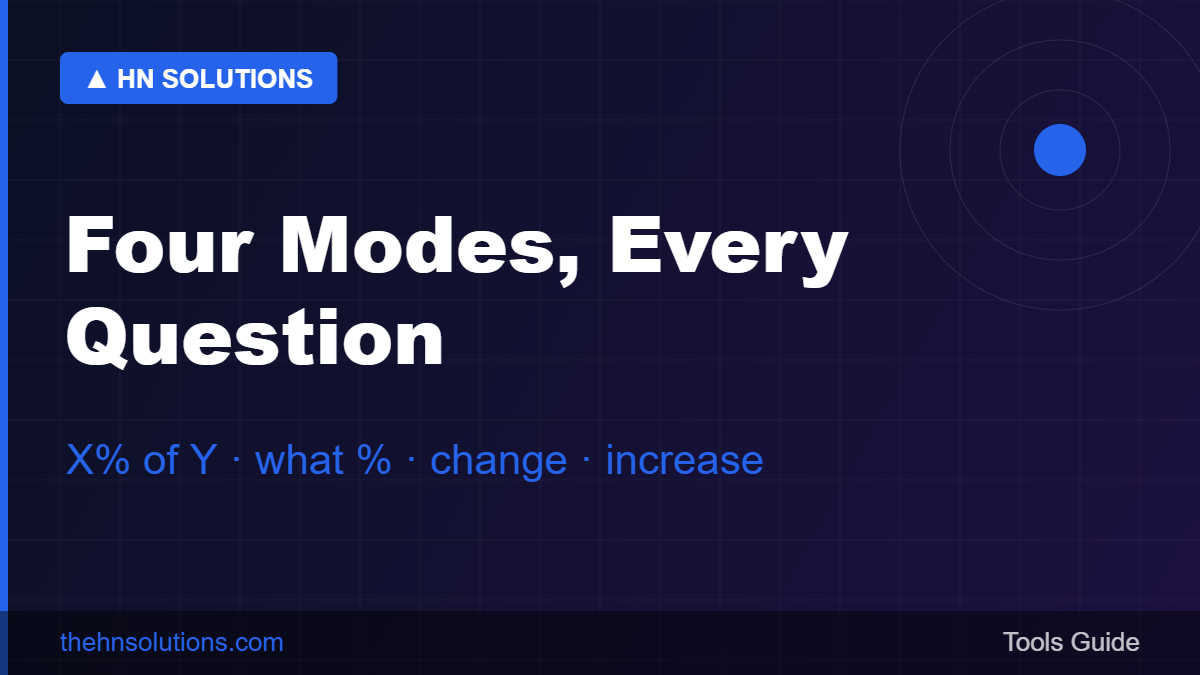
Pattern 1: What is X% of Y?
The tip, the tax, the commission. 15% of 2,400 = 15 ÷ 100 × 2,400 = 360. This is the one people mostly manage — until the numbers stop being round.
Pattern 2: X is what percent of Y?
The exam score, the market share, the progress report. Scored 43 out of 60? 43 ÷ 60 × 100 = 71.7%. The trap here is dividing by the wrong number: always divide by the whole, not the part.
Pattern 3: What is the percentage change from A to B?
Prices, salaries, traffic, weight. (New − Old) ÷ Old × 100. Rent went from 25,000 to 30,000? That is +20%. The trap: the base is always the old value — going back from 30,000 to 25,000 is only −16.7%, not −20%. Direction matters.
Pattern 4: Increase or decrease Y by X%?
The discount, the raise, the surcharge. 1,500 minus 20% = 1,500 × 0.80 = 1,200. Multiplying by (1 − rate) in one step beats calculating the discount and subtracting — fewer steps, fewer mistakes.
The traps that cost real money
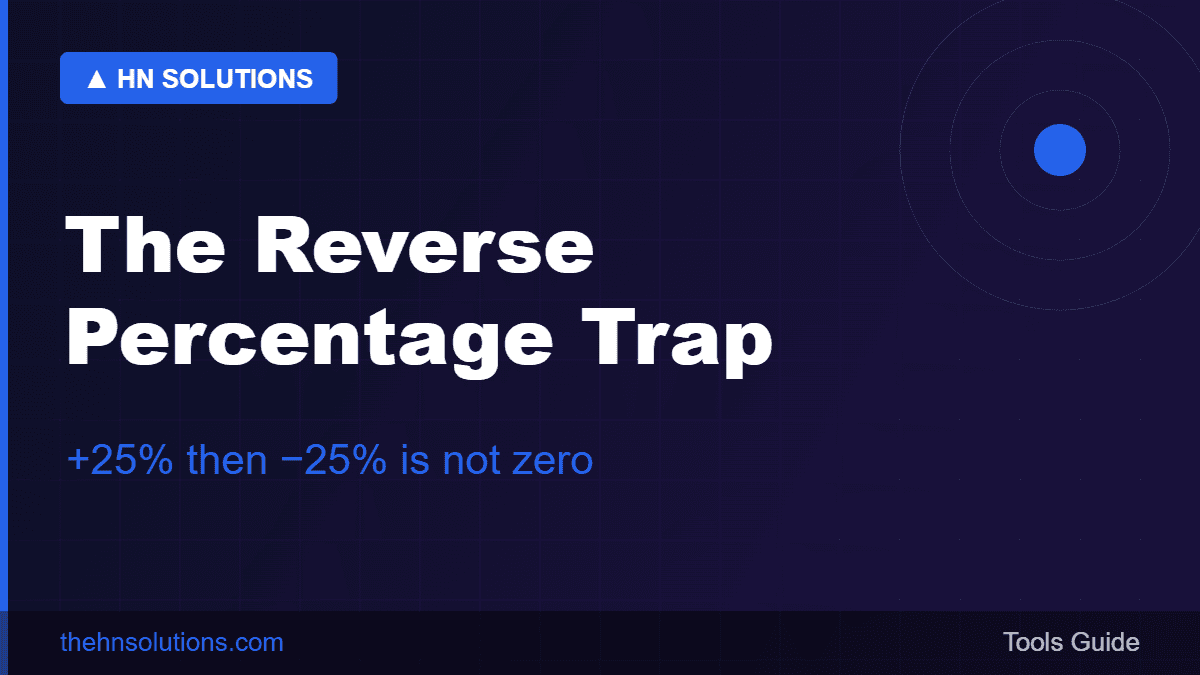
- The reversal trap. +50% then −50% leaves you at 75% of where you began, because the second percentage acts on a bigger base. A stock that drops 50% needs +100% to recover. This single misunderstanding explains half of retail investing heartbreak.
- Stacked discounts. “30% off, then extra 20% off” is not 50% off — it is 1 − (0.70 × 0.80) = 44% off. Retailers know exactly which phrasing sounds bigger.
- Percentage points vs percent. An interest rate going from 4% to 6% rose two percentage points but 50 percent. Headlines pick whichever sounds more dramatic.
- Compounding growth. Two years of +15% then +10% is ×1.15×1.10 = +26.5%, not +25%. Small gap here; enormous gap over decades — this is the entire secret of compound interest.
- The wrong base for “of”. “Prices rose 5% of last year’s average” and “by 5%” can differ wildly. Read the base.
Mental shortcuts worth keeping
- 10% is the anchor: shift the decimal once. 10% of 340 = 34. From there: 5% is half of that, 20% is double, 15% is one-and-a-half.
- The flip trick: X% of Y always equals Y% of X. 8% of 50 feels hard; 50% of 8 = 4 is instant.
- 1% first for ugly numbers: 1% of 6,320 = 63.2, so 7% = 442.4. Two easy steps beat one hard one.
- Divide 72 by the growth rate to estimate doubling time: 8% growth doubles in ~9 years. Works for savings, inflation, and traffic curves.
The best percentage calculators compared
1. HN Solutions Percentage Calculator — best for real questions
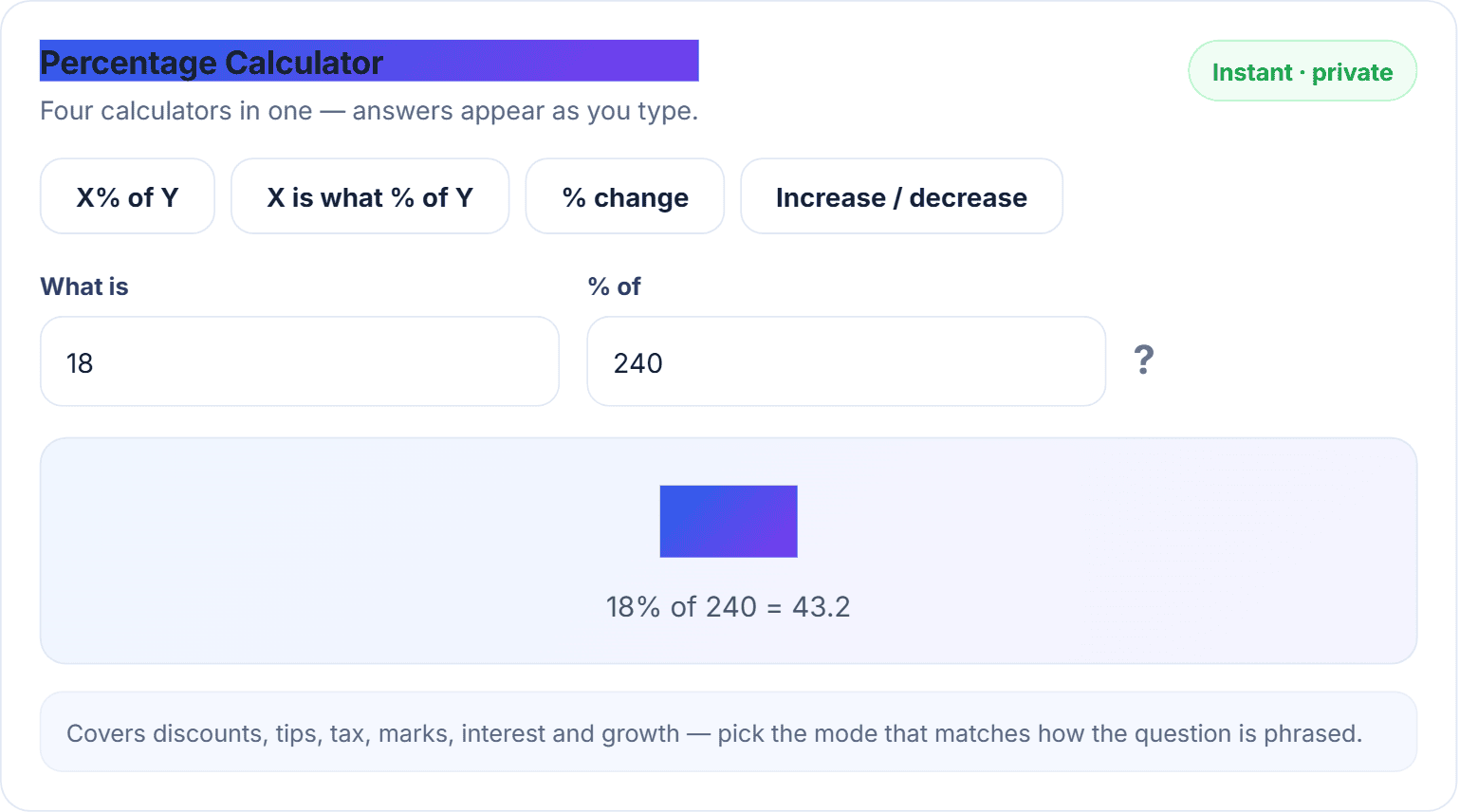
Our percentage calculator puts all four patterns on chips — X% of Y, what percent, % change, increase/decrease — with answers appearing live as you type and, crucially, the working spelled out under every answer (“15% of 200 = 30”) so you can sanity-check the setup, which is where percentage mistakes actually happen. The increase/decrease mode shows both directions at once — sale price and surcharge in one view.
2. Google’s inline math — quick, single-pattern
Typing “15% of 200” into Google works for pattern 1. The other three patterns need you to remember the formula — which is the actual problem.
3. Phone calculator % button — famously confusing
The % key behaves differently across iOS, Android and physical calculators; it is the reason “why did my calculator say that” threads exist. A purpose-built tool with labelled modes removes the guessing.
4. Spreadsheets — right for bulk, heavy for one-offs
Excel handles percentage columns beautifully. Opening it to compute one discount is using a truck to deliver a letter.
How to use the calculator
- Open the percentage calculator and pick the chip matching your question’s phrasing — the modes are named the way questions are actually asked.
- Type your two numbers. The answer and the working appear instantly; no button.
- Switching modes keeps your numbers, so comparing “what percent” against “% change” takes one click.
Pro tips: for stacked discounts, run the first discount, then feed the result back for the second; for “reverse percentage” questions (price after 18% tax is 590 — what was it before?), divide by 1.18 rather than subtracting 18% — the calculator’s working line will keep you honest; and always ask “percent of what?” before trusting any percentage anyone quotes you.
Percentage questions that trip people up
How do I calculate a percentage of a number?
Multiply the number by the percentage over 100: 12% of 850 = 0.12 × 850 = 102. Or use the X% of Y mode and skip the arithmetic.
How do I work out what percent one number is of another?
Part ÷ whole × 100. The most common error is swapping part and whole — if the answer looks absurd, you divided the wrong way.
Why don’t equal up-and-down percentages cancel out?
Because each acts on a different base. −20% then +20% lands at 96% of the start. The bigger the swing, the bigger the gap.
What is the difference between percentage and percentage points?
Points are absolute (4% → 6% is +2 points); percent is relative (that same move is +50%). Both are correct; only one is usually honest in context.
The four patterns, one more time
Four patterns, a handful of traps, one calculator. Keep the free percentage calculator bookmarked for every discount, mark and raise — and its neighbours too: days between dates for the deadline math, the unit converter for the kg-lbs questions, and the BMI calculator when health numbers call. All free in our daily tools.